
 GROWTH GUIDE
Unified Inbox for Small Business: A Practical Guide
A unified inbox for a small business is one place where customer messages from every channel land, so your team sees each conversation, knows who owns it and replies from a single screen. Some tools only merge several email accounts into one view. A true business inbox goes further and pulls in web forms, texts, review notifications and booking requests. This guide explains the difference, what to look for, how to set it up with a team, and what to protect.
TL;DR
- A unified inbox combines messages from several sources into one view. The simplest version merges email accounts. The business version also brings in forms, texts and reviews.
- Forwarding every address to one mailbox works, but Microsoft notes it organizes mail less easily than a unified inbox does.
- Decide who answers what, and how fast, before you choose software. The workflow matters more than the connectors.
- Protect customer data with individual logins, limited access and clear opt-out handling for email and texts.
- If you want the inbox, website, reviews and follow-up in one managed system, that is what we built Service Grower to do.
Table of Contents
- What a unified inbox actually is
- Which channels a small business can bring together
- How a unified inbox helps you respond faster
- Features worth looking for
- Setting it up for your team
- Privacy and security basics
- Picking the right level for your business
- Perspective: why the inbox should not stand alone
- One system for requests, replies and reviews
- Common mistakes to avoid
- FAQ
- Sources
What a unified inbox actually is
The phrase gets used for two different things, and mixing them up leads to buying the wrong tool.
A unified email view. Microsoft describes a unified inbox as a view that combines multiple email accounts, even ones hosted by different email services, so one person can check them all in one place. This is a convenience for an individual. You still have separate accounts underneath, and replies go out from whichever address received the message.
A shared customer inbox. This is the version a business needs. Messages from many channels become conversations attached to a customer, visible to the whole team, with an owner, a status and a history. It answers questions the personal version never does: Did anyone reply? Who is handling this? What did we say last week?
A good way to tell them apart: if only one person ever reads the messages, a unified email view is probably enough. If two or more people answer customers, or if leads arrive from more than email, you want the shared version.

Why forwarding is not the same thing
Many owners start by forwarding every address to one Gmail or Outlook account. It is free and fast, and it does centralize the mail. But Microsoft points out that forwarding redirects messages to a primary inbox and makes email organization less easy than a unified inbox. In practice, you also lose clarity about which address the customer wrote to, you cannot assign a message to a colleague, and a text message or form submission never arrives in the first place.
Which channels a small business can bring together
The useful question is not “how many channels can it connect?” but “where do my customers actually reach me?” For a local service business, the list usually looks like this:
| Channel | What arrives | Why it belongs in the inbox |
|---|---|---|
| Questions, quote replies, vendor mail | Still the default for longer or more formal requests | |
| Website forms | Quote and booking requests | These are your warmest leads and the easiest to lose |
| Text messages | Quick questions, appointment confirmations | Fast replies win jobs, and texts get read quickly |
| Reviews | New ratings and comments | A review is a customer message that deserves a response |
| Social messages | Facebook and Instagram direct messages | Customers expect an answer where they asked |
| Missed calls and voicemail | Call-back requests | A missed call is a lead that goes to a competitor if unanswered |
Not every business needs all six. An HVAC company may live on forms, calls and texts. A barber may mostly handle booking requests and social messages. A restaurant cares most about reviews and reservation inquiries. Start with the two or three channels where you currently lose track of people.
How a unified inbox helps you respond faster
The benefit is not tidiness. It is that fewer leads go cold. Three things change when messages live in one place.
Nothing depends on one person’s memory. When a request comes in on a form while the owner is on a job site, someone else can see it and reply. Without a shared view, that request waits for whoever happens to check that particular mailbox.
Every conversation has context. A customer who emailed last month and texts today is the same person. Seeing the whole thread means you do not ask for the same details twice, which customers notice.
You can measure response time. Once messages are in one system, you can see how long a new inquiry waits for a first reply. That number is often the easiest improvement a small business can make. Our post on lead follow-up automation walks through a three-step approach to getting a fast first reply across channels.
Features worth looking for
Ignore long feature lists. These are the capabilities that change daily work for a team of two to twenty people.
- Shared conversations with assignment. Each thread has one owner, so two people do not answer the same customer and nobody assumes someone else did.
- Internal notes. Your team can leave context on a thread without the customer seeing it.
- Saved replies. Answers to common questions (hours, service area, how to book) can be sent in seconds and edited per customer.
- Customer records. Each message links to a contact, with history, source and status, which is what turns an inbox into lightweight customer management. See how that looks in practice in our small-business CRM overview.
- Permissions. Individual accounts and role-based access, so a part-time front-desk person does not see everything the owner does.
- Opt-out handling. Unsubscribe and stop requests should be recorded per person and per channel.
- Reporting. Response time, lead source and booked-versus-lost counts tell you whether the inbox is paying for itself.
- Mobile access. If you work in the field, the inbox has to work from a phone.
A useful test during a free trial: send yourself a form request, a text and an email. Then see how quickly you can find all three, assign one and reply. If that takes more than a minute or two, the tool will not survive a busy week.
Setting it up for your team
The most common mistake is picking software first and thinking about people second. One practitioner write-up on omnichannel inboxes advises designing the operator workflow first, before choosing technical connectors, because the workflow determines how well the team uses the tool. That matches what we see with local businesses: the software rarely fails, the habits do.
Step 1: Write down who answers what
List every channel and name one owner for each. Name a backup too. For a small team this can fit on one page: “Forms and email: office manager. Texts: whoever is on the schedule. Reviews: owner.” If you are building out your messaging approach more broadly, this strategy for sales messaging can help you plan the content of your replies.
Step 2: Set response targets
Pick a first-reply goal you can actually meet, such as within one business hour during working hours and by 10 a.m. the next business day otherwise. A target you hit beats an ambitious one you miss.
Step 3: Connect the highest-value channels first
Begin with forms and email, then add texts, then reviews and social. Adding everything at once makes it hard to tell what is working.
Step 4: Build your saved replies
Look through the last 30 days of messages and write replies for the five questions you answer most. Keep them short and human.
Step 5: Review weekly
Spend fifteen minutes each week looking at unanswered threads, slowest replies and lead sources. Adjust ownership if one person is overloaded.
Privacy and security basics
An inbox holds names, phone numbers, addresses and sometimes payment or health details. Treat it accordingly. You do not need an enterprise security team, but you do need a few habits.
Control access. NIST’s small business guidance recommends limiting access, requiring individual user accounts with strong, unique passwords, and patching systems. For an inbox, that means no shared logins. Each person signs in as themselves, and former employees lose access the day they leave.
Plan for problems. A NIST and CISA small business webinar from 2026 advises that you protect and test backups and define who owns incidents. Decide in advance who you call if an account is compromised.
Handle opt-outs per person and channel. Someone who unsubscribes from marketing email may still want appointment texts, and the reverse. The same omnichannel guidance suggests enforcing opt-outs per identity and channel, restricting access to sensitive conversations and exports, and having a way to find and delete customer data when the law requires it.
Follow the email rules. The FTC states that the CAN-SPAM Act covers all commercial email, with no exception for business-to-business messages. If you send promotions from your inbox or an attached tool, read the FTC guide and make sure every promotional message has accurate sender details, a working opt-out and your valid postal address. Text marketing has its own consent rules, so confirm them with your attorney or your messaging provider before you launch a campaign.
Picking the right level for your business
There are roughly three tiers, and the right one depends on how many people answer customers and how much of your revenue starts with an online inquiry.
- A unified email view in your existing mail app. Fine for a solo operator with several addresses and no other channels.
- A shared inbox add-on. Suits a small team that mostly uses email and wants assignment and notes.
- A customer communication hub inside a broader platform. Best when leads arrive from your website, texts and reviews, and you want the same system to track what happens next.
The third tier is where a stand-alone inbox starts to overlap with a CRM, a review tool, a form builder and a website. Buying those separately means connecting them yourself. We wrote about that trade-off in too many marketing tools, and our comparison of local marketing platforms lays out the options by type so you can decide what fits.
Perspective: why the inbox should not stand alone
We talk with local business owners every week, and the pattern is consistent. They do not lose customers because their inbox looks messy. They lose them because a request arrived somewhere and nobody saw it in time.
That is why we do not think of the inbox as its own product. A message is the middle of a journey. Before it, a customer found you on Google or in an AI answer, landed on a website and filled out a form. After it, someone replies, books the job and, ideally, earns a review. If each step lives in a different tool, the handoffs are where leads disappear.
Service Grower is designed to keep those steps together: a website built to answer questions, a request form that feeds a customer hub, review management and messaging, set up for you rather than left as a weekend project. Our aim is that an owner opens one place, sees who needs a reply, and answers. We think that is a better fit for a busy HVAC company, barber, travel advisor or restaurant than assembling five subscriptions and hoping they talk to each other.
If you take one thing from this guide, make it the workflow: one owner per channel, a response target, and one place to look.
Service Grower
One system for requests, replies and reviews
If you would rather not stitch tools together, Service Grower combines a done-for-you website, request forms, a customer hub, review management and messaging in one managed platform. The Customer Hub is where conversations and lead activity are tracked, and SmartRequest captures booking and quote requests so they land there instead of in a forgotten mailbox.
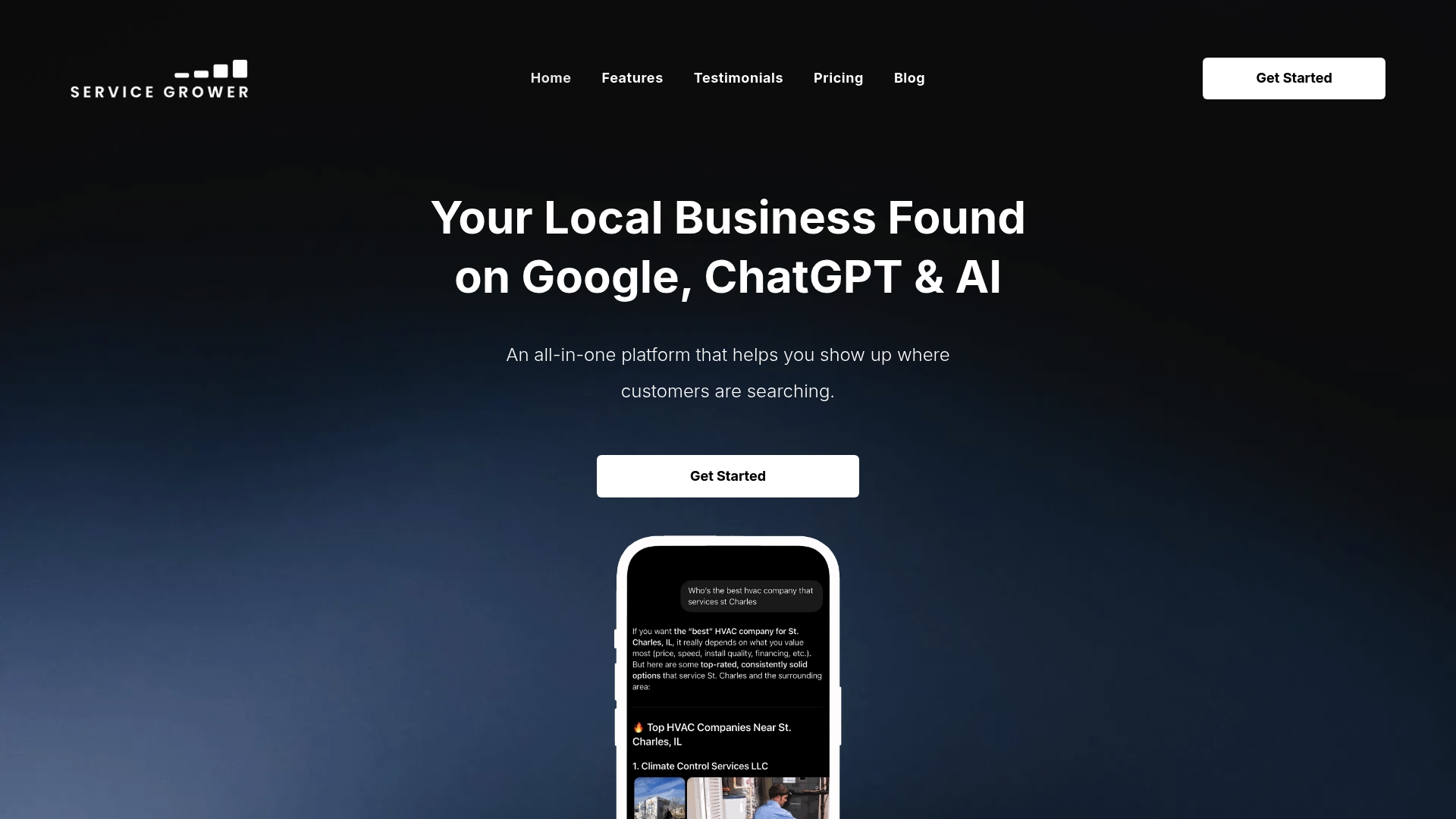
The Service Grower plan is published at $249 per month on our pricing page. Email and text marketing, plus one-time $25 setup fees for an email domain and for SMS, are described on our email and text page. You can also start with a free website lead check to see where your site is currently missing inquiries.
Common mistakes to avoid
- Connecting every channel on day one. Start with two or three and add as habits form.
- Leaving ownership vague. If “everyone” watches the inbox, nobody does.
- Ignoring reviews. A public review is a customer message that others will read. Having a response workflow matters, and our templates for responding to negative reviews can help your team reply calmly and consistently.
- Skipping the weekly check. Fifteen minutes of review catches slow replies before they cost you jobs. Our weekly reputation playbook shows a simple routine.
- Sharing one login. Individual accounts make it possible to see who did what and to remove access cleanly.
FAQ
Is a unified inbox the same as a shared inbox?
Not quite. A unified inbox brings messages from multiple accounts or channels into one view. A shared inbox lets several people work the same messages with assignment and notes. Most small businesses want both: many channels in, many people working them.
Do I need one if I only use email?
If you have several addresses and you are the only reader, your mail app’s built-in unified view may be enough. Once a second person replies to customers, or leads start coming from forms and texts, a shared customer inbox saves real time and prevents missed replies.
What should I set up first?
Name one owner per channel and set a first-reply target. Then connect your website forms and email, since those carry most new inquiries for local businesses. Add texts and reviews once the team is comfortable.
How do I keep customer messages secure?
Give every person their own login with a strong, unique password, limit who can see sensitive conversations and exports, and remove access when someone leaves. Keep backups and decide who handles an incident before one happens, as NIST’s small business guidance advises.
Can I send marketing emails from my inbox?
Yes, but commercial email must follow the CAN-SPAM Act, which includes honest sender information, a working opt-out and a valid postal address. Read the FTC’s compliance guide before you start, and check consent rules for text messages separately.
Sources
- How to manage more than one email account, Microsoft 365
- Designing a Unified Inbox for Omnichannel Messaging, Yeshbe
- Small Business Information Security: the Fundamentals, NIST
- NIST Small Business Cybersecurity Basics webinar, August 2026
- CAN-SPAM Act: A Compliance Guide for Business, FTC